RADIUS & PPPoE, billing and invoicing, OLT/ONU provisioning, TR-069, ticketing and live monitoring — unified in one self-hosted system you fully control.
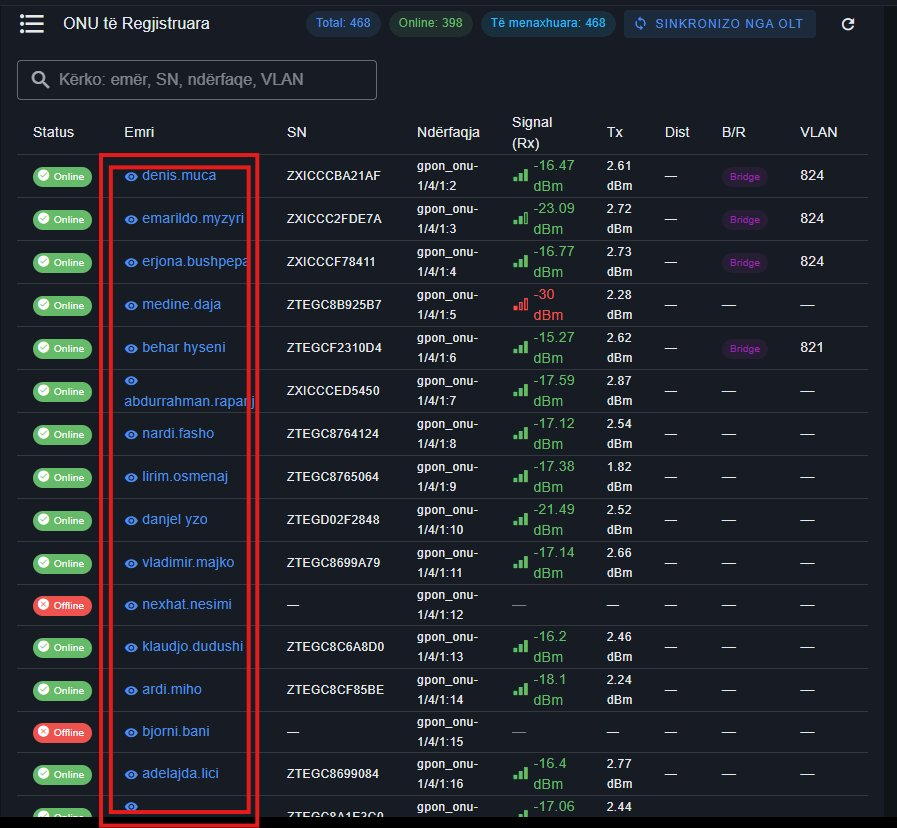
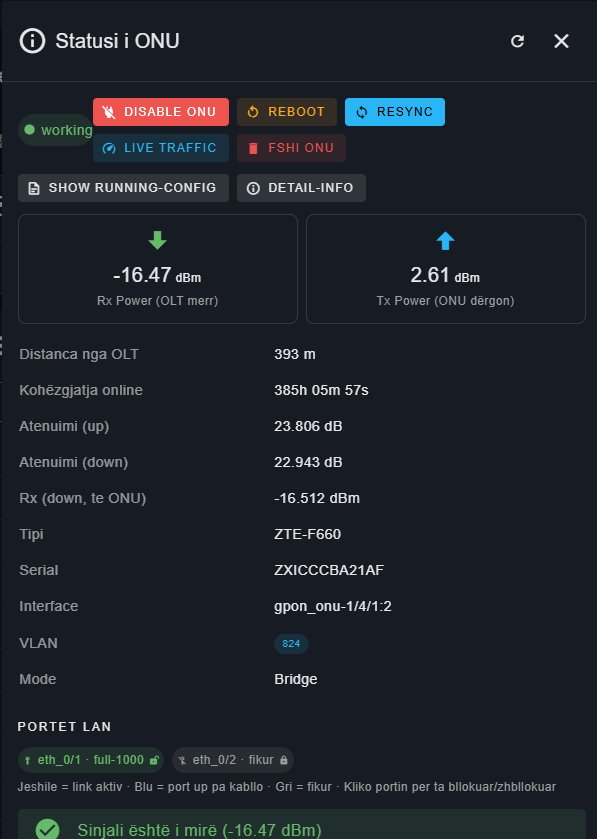
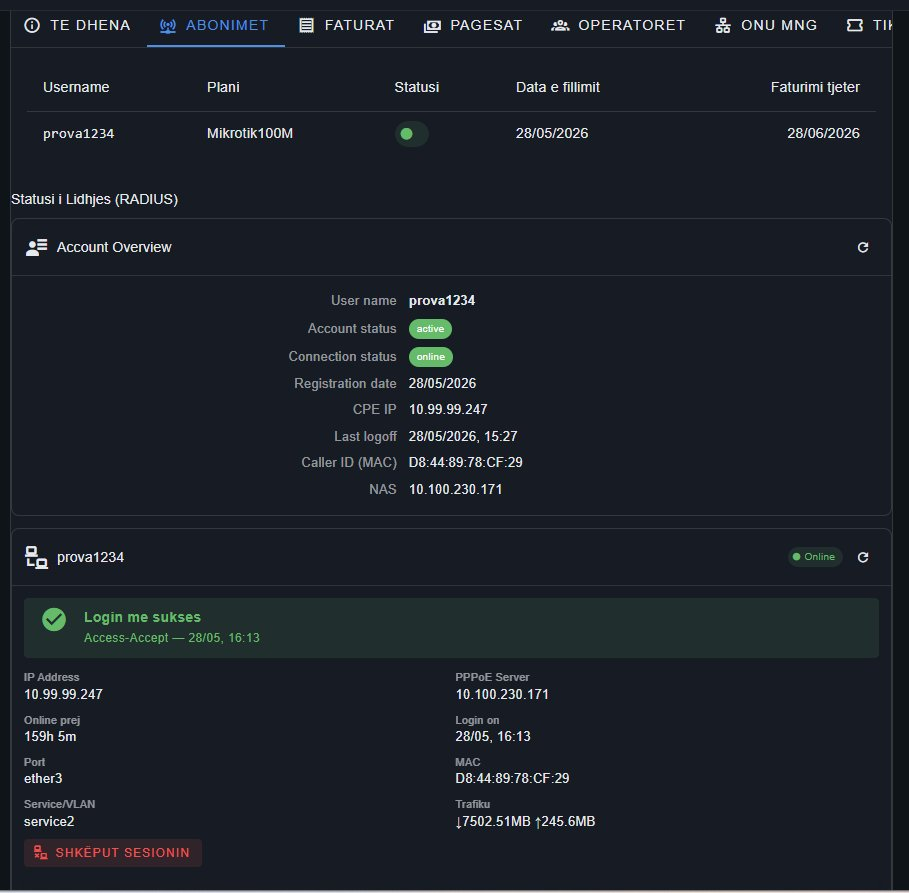
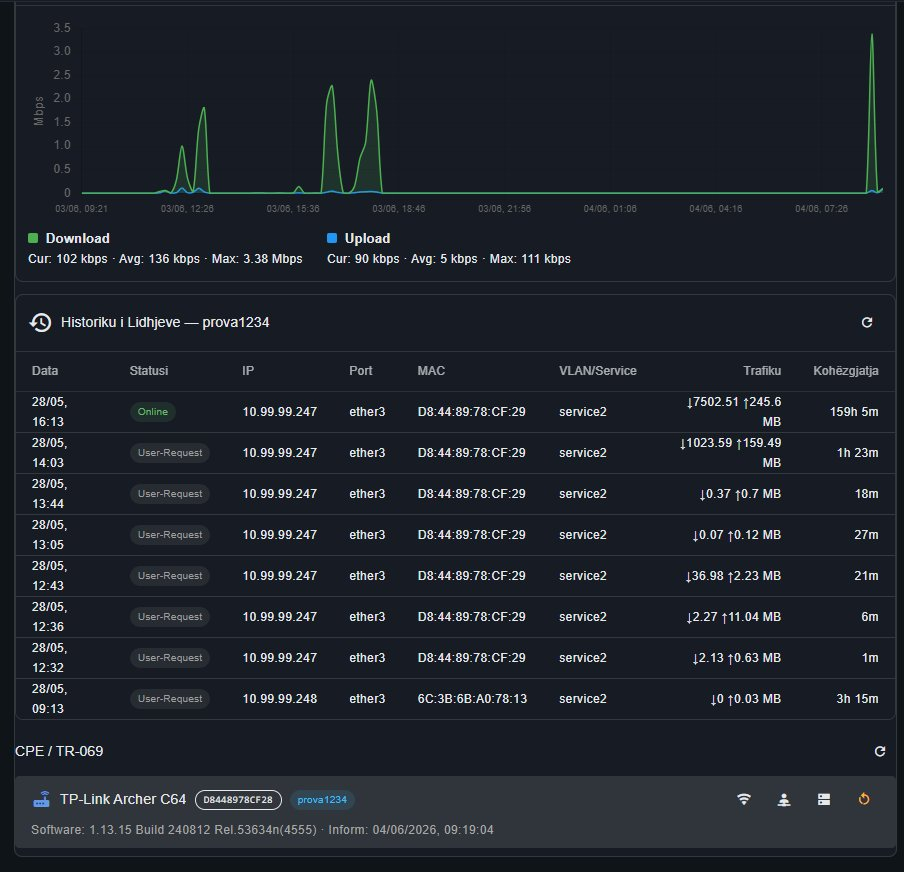
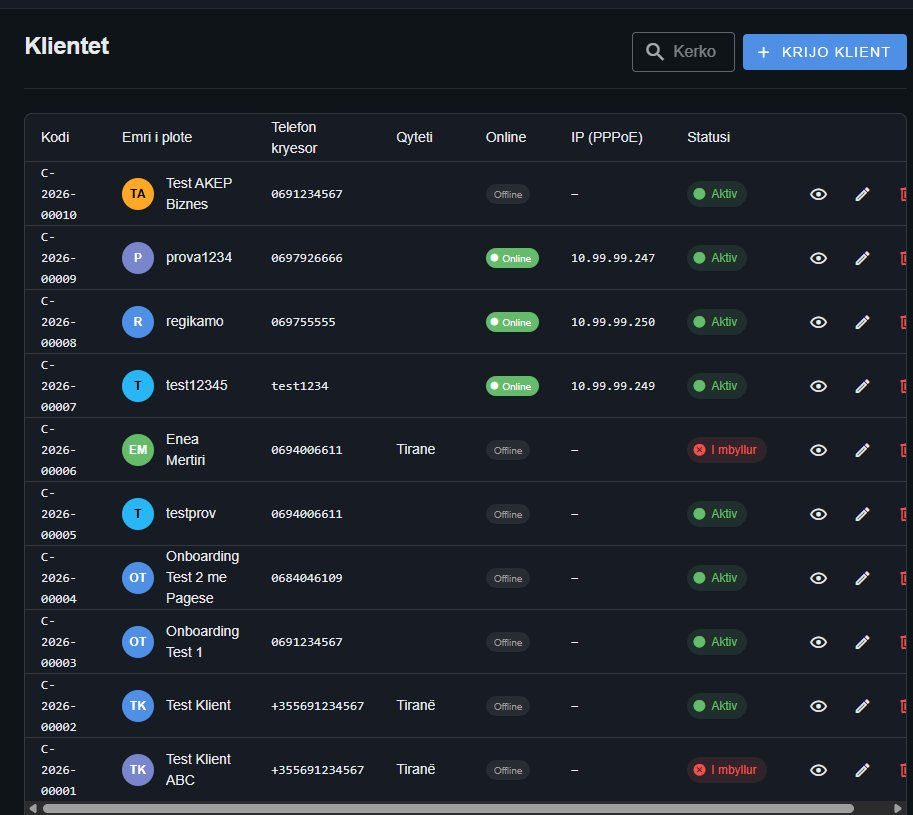
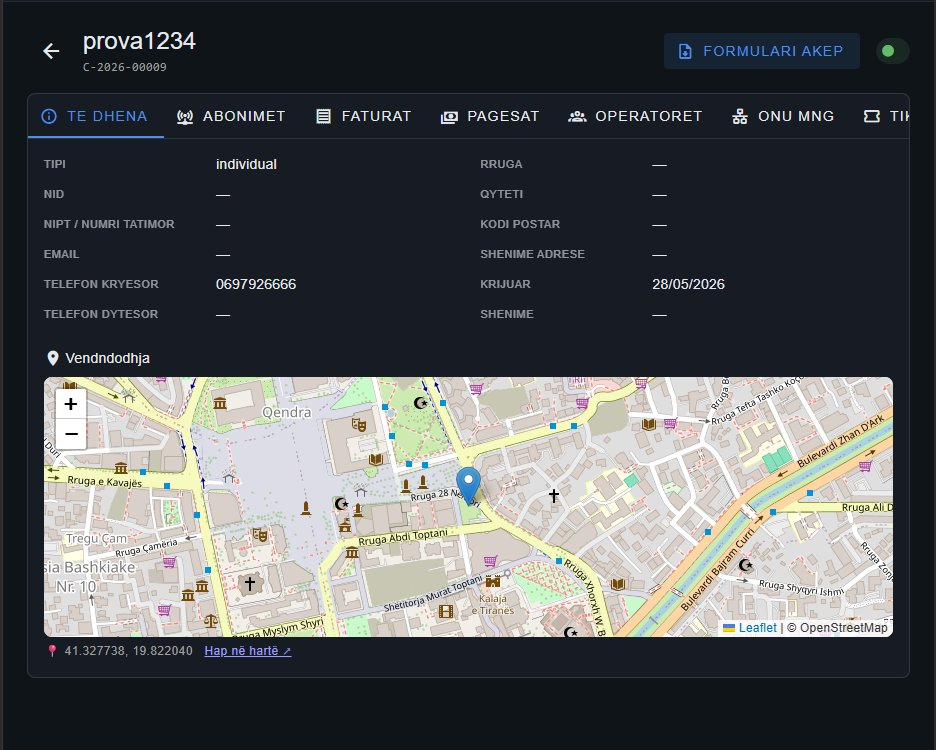
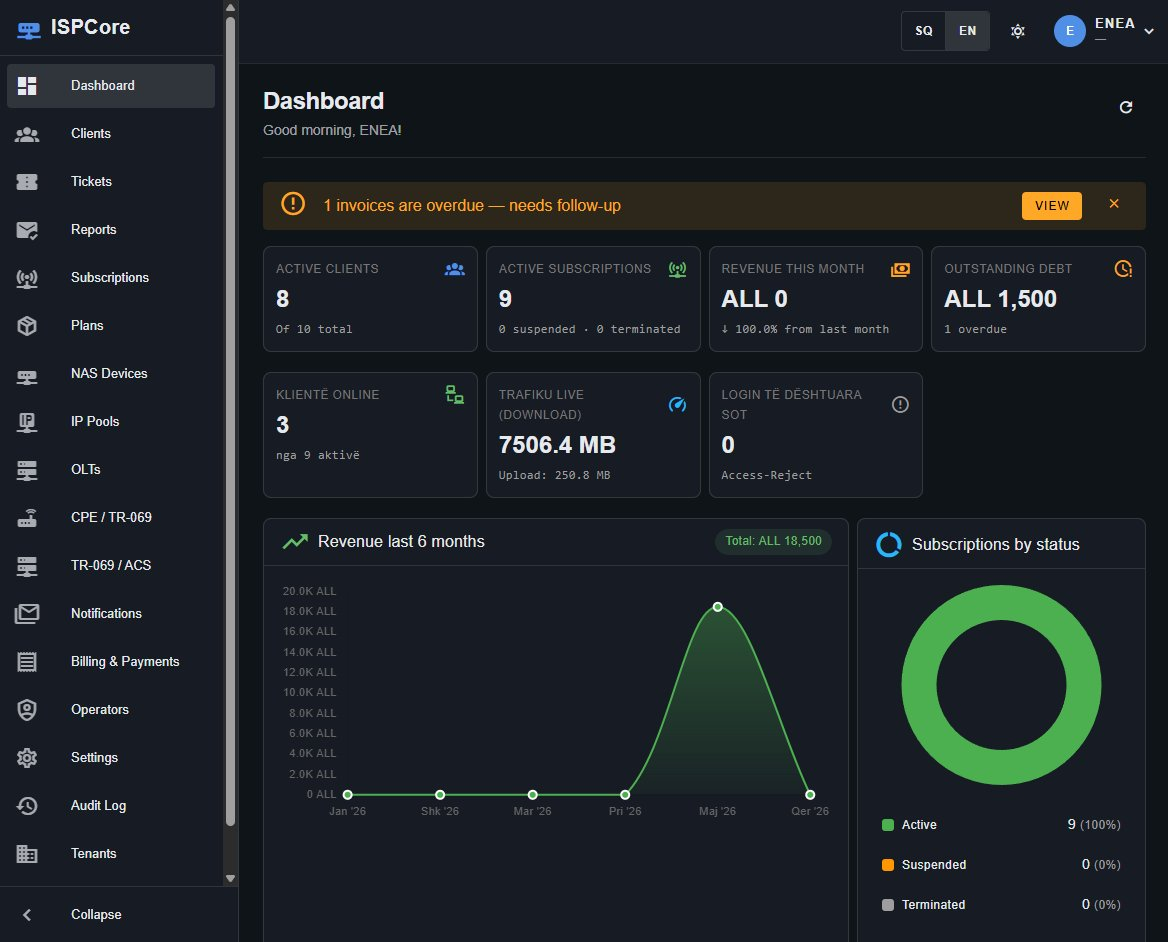
Real screenshots from ISPCore — clients, fiber, RADIUS sessions and billing, all in one place.


From sign-up to a fully licensed, running network — no lengthy onboarding.
Create your account and pick a plan. Pay securely by card — monthly or yearly. Your license is issued instantly.
Run the installer on your own server. ISPCore generates a unique hardware fingerprint for secure binding.
Paste your fingerprint into your panel, copy the activation code back into ISPCore — and you're running.
Stop stitching together five tools. ISPCore covers the full operational stack.
Multi-vendor FreeRADIUS with CoA, IP pools and NAS management — tuned for tens of thousands of sessions.
Automated recurring billing, atomic invoices and printable receipts. Suspend and restore on payment status.
Provision and monitor fiber from one screen — GPON and EPON, Huawei and ZTE, with live optical metrics.
Remote CPE configuration and firmware control through an integrated auto-configuration server.
Built-in support desk with categories, priorities, attachments and optional SMS & email notifications.
Real-time online clients, live traffic per session and a dashboard that reflects your actual network.
Operate multiple operators or branches with isolated data, roles and full audit trails.
Regulatory reporting, lawful search and configurable data retention to meet local obligations.
Self-hosted on your hardware. Cryptographically signed licenses, no lock-in to someone else's cloud.
/docscurl https://your-isp/api/v1/clients \ -H "Authorization: Bearer <token>" { "code": "C-2026-00009", "name": "prova1234", "status": "active", "online": true, "ip_pppoe": "10.99.99.247" }
Scale by subscriber count. Every plan includes the full feature set — no paywalled modules.
Pay yearly and get 2 months free · Cancel anytime
Create your account, pick a plan, and activate ISPCore on your server today.
Get started →